 Learning
How to Learn Faster With a Skill Map
You learn faster with a skill map because it replaces random studying with a clear sequence: you break a goal into its real sub-skills, order them from foundation to advanced, and only study what actually moves you forward. Instead of collecting courses and hoping they add up, you work from a plan that shows what to learn, in what order, and when you can stop. Below is how skill maps work and how to build one that genuinely speeds up your progress.
What a skill map actually is
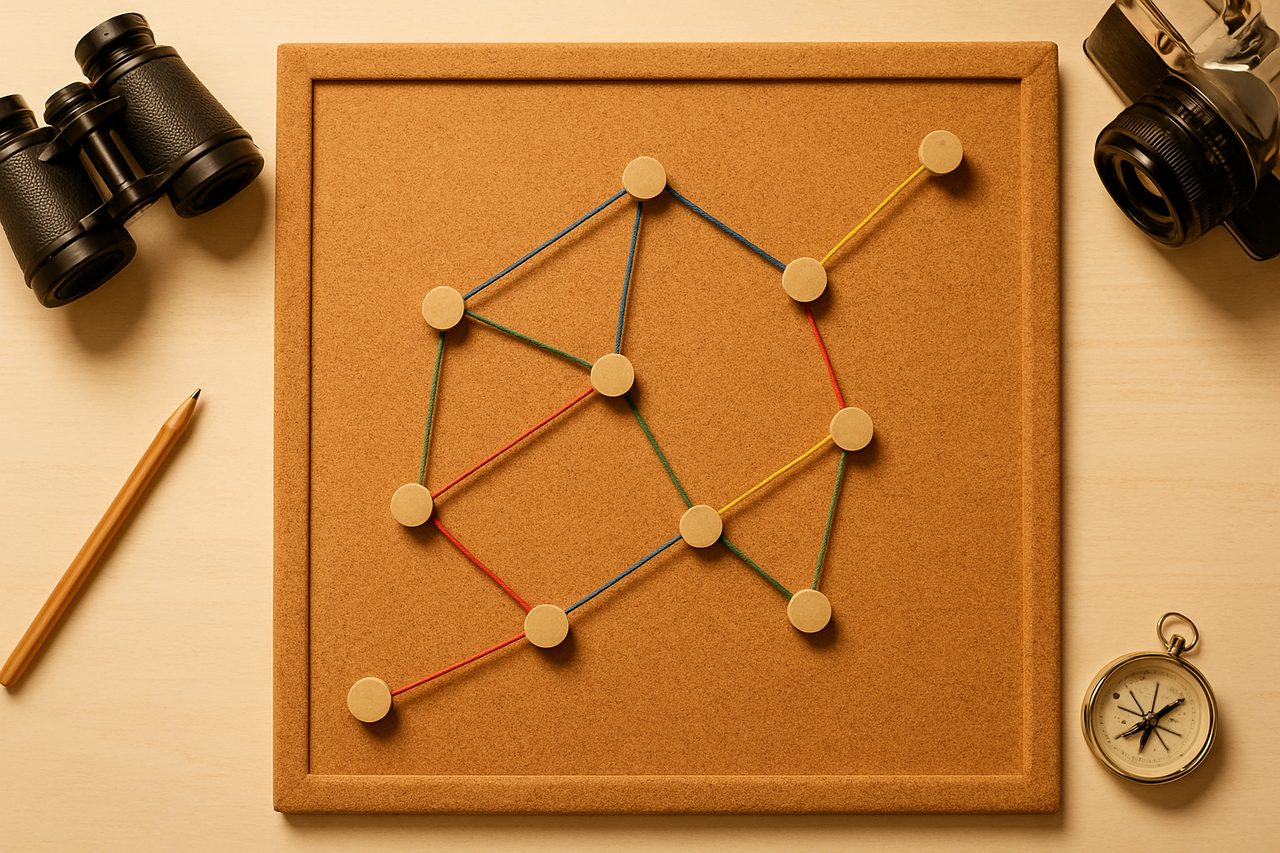
A skill map is a structured breakdown of a target ability into the smaller, concrete skills it depends on. Think of it as the difference between "learn data analysis" and a list like: spreadsheets, basic statistics, SQL queries, a charting tool, and clear reporting. Each item is small enough to practice and check off.
Good skill maps share three traits:
- Specific: each node is a doable skill, not a vague topic.
- Ordered: foundational skills come before the ones that rely on them.
- Bounded: it defines "good enough" so you don't over-study early steps.
Why skill maps speed up learning
Most wasted learning time comes from three sources: studying things you don't need yet, repeating what you already know, and not knowing whether you've made progress. A skill map attacks all three.
It removes decision fatigue
Deciding what to study next is tiring, and that friction causes procrastination. A map answers "what's next?" automatically, so your energy goes into learning instead of planning.
It exposes prerequisites
Many people stall because they jump ahead and hit a wall they can't explain. Mapping prerequisites first means fewer confusing dead ends and less re-learning.
It makes progress visible
Checking off nodes gives honest feedback. Visible progress sustains motivation far better than an open-ended "I'm studying" feeling.
How to build your own skill map
- Define one concrete goal. Not "get better at marketing" but "run a paid ad campaign and measure its return." Specific goals produce specific maps.
- List the sub-skills. Brainstorm every skill the goal touches. Look at job descriptions, project checklists, or how an expert describes the work to find skills you'd otherwise miss.
- Group and order them. Cluster related skills, then arrange clusters from foundation to advanced. Mark which skills depend on others.
- Set a "good enough" bar per node. Decide what demonstrates competence, such as completing a small project or explaining the concept simply.
- Attach one resource per node. A single course, tutorial, or book per skill, not five. More options means more avoidance.
If building a map from scratch feels overwhelming, platforms that generate personalized learning paths can give you a starting structure to edit, which is faster than a blank page.
How to study against the map
A map only helps if you work through it deliberately. A few habits make the difference:
- Learn in order, but stay flexible. If a later skill suddenly becomes urgent for a project, jump to it, then backfill the foundation.
- Practice before you feel ready. Apply each skill in a small real task as soon as you can. Application reveals gaps that passive watching hides.
- Skip what you've proven. Test out of nodes you already know. The map should save time, not create busywork.
- Review and prune. Every few weeks, remove nodes that turned out to be irrelevant and add ones you discovered you need.
Common mistakes to avoid
- Mapping too broadly. A map for "become a software engineer" is too big to act on. Map toward a concrete first milestone instead.
- Over-collecting resources. Hoarding courses feels productive but delays actual learning. One per node is enough.
- Perfecting the foundation. Spending weeks mastering basics you'll rarely use is a classic trap. Hit "good enough" and move on.
- Never applying. A map of completed videos without a single project built is knowledge you'll forget quickly.
A realistic note on expectations
A skill map makes your learning more efficient and less aimless, but it is a tool, not a guarantee. It won't make hard skills effortless, and finishing a map doesn't automatically translate into a job, promotion, or specific outcome. What it reliably does is help you spend your limited study time on the things that matter, and give you a clear picture of how far you've come and what remains.
Start small: pick one goal, sketch ten to fifteen nodes, and begin at the first one today. You can refine the map as you go. The point is not a perfect diagram but a sense of direction that keeps you learning instead of wondering what to learn.